


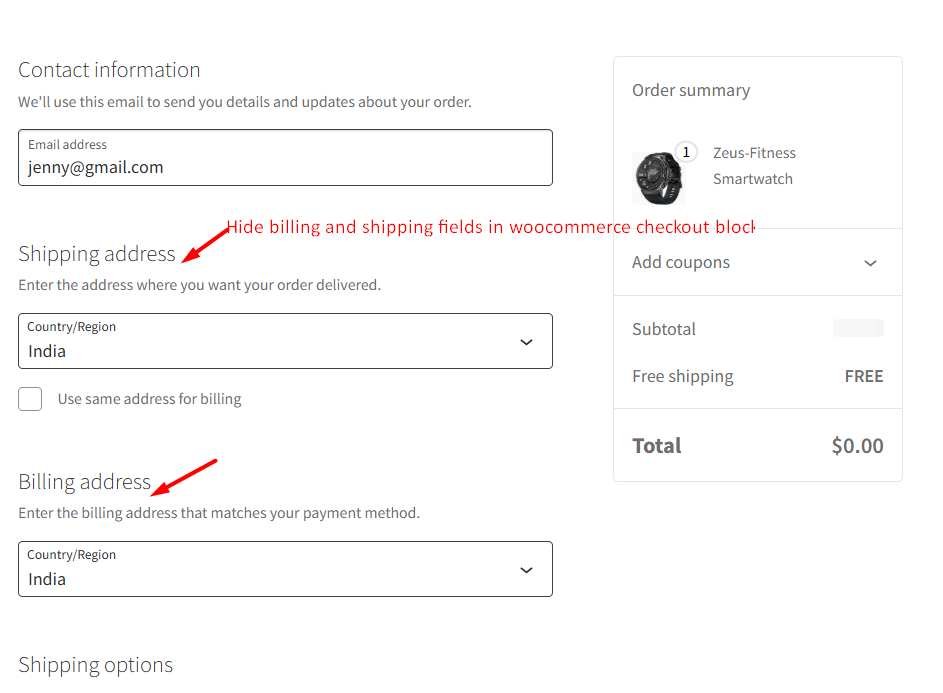
How to Hide Unnecessary Billing and Shipping Fields in WooCommerce Checkout Blocks?
In WooCommerce checkout, the default checkout flow is to collect billing, shipping, and payment details for every order. But for free products like digital downloads


In WooCommerce checkout, the default checkout flow is to collect billing, shipping, and payment details for every order. But for free products like digital downloads

With this customization, you can change the ‘Add to Cart’ text as needed and dynamically update the button text to ‘Already in Cart! Buy Again’.

It’s a common question for store owners managing large volumes of data. Built-in options like ‘Trash’ and ‘Delete Permanently’ make it easy to remove unwanted
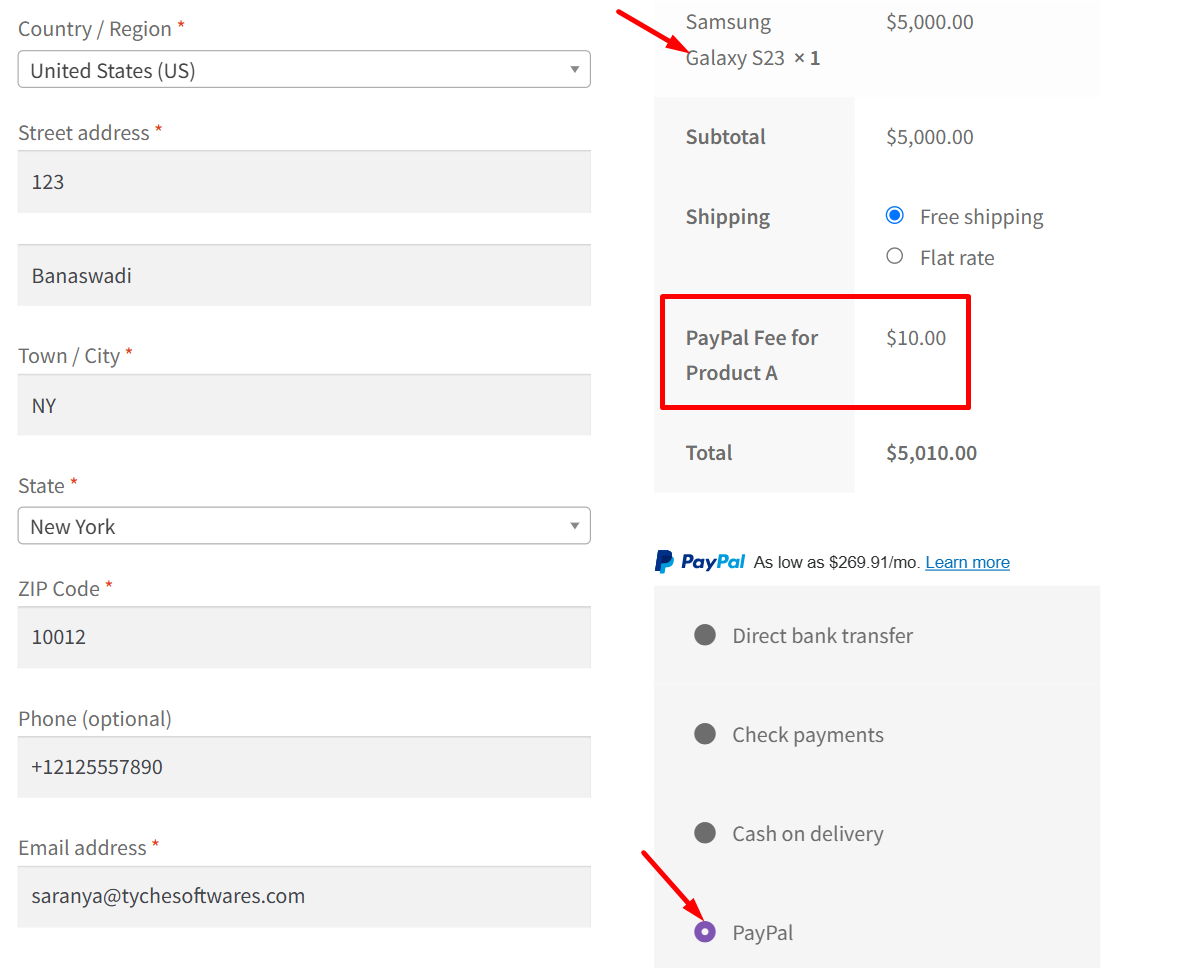
Not all payment gateways cost the same. Popular options like PayPal or Stripe often charge a percentage-based fee on every transaction, which can significantly impact
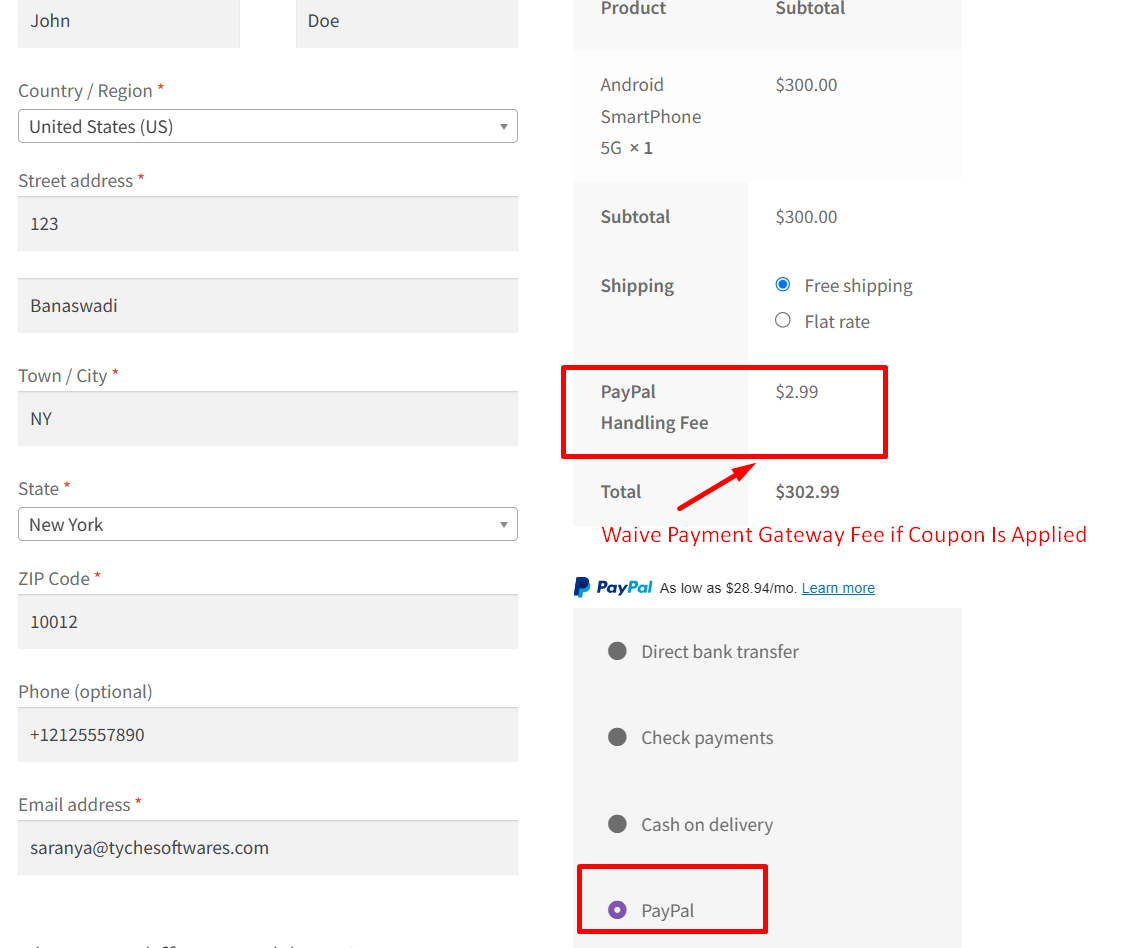
Typically, WooCommerce store owners offer multiple payment methods — and some, like certain digital wallets, come with higher transaction fees. To recover these additional costs
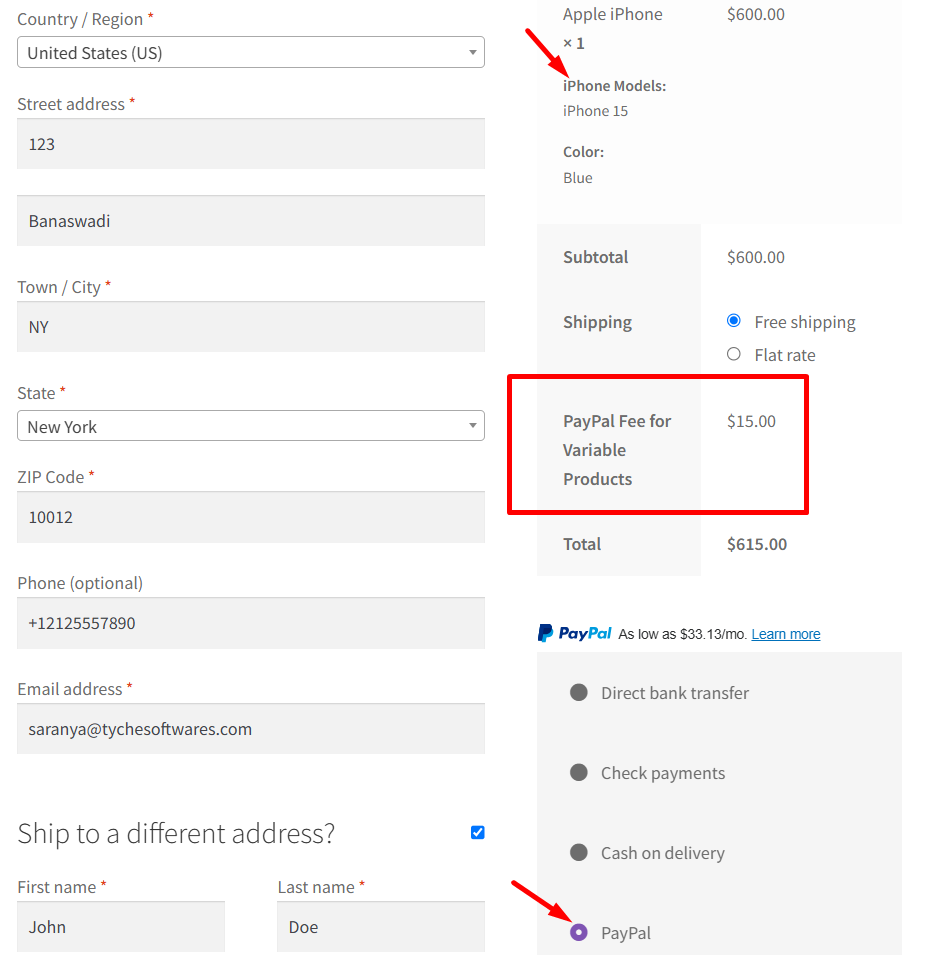
Store owners often sell variable products, which come with their own unique challenges, especially when combined with specific payment methods or complex fulfillment requirements. For

As a WooCommerce store owner, one of the trickiest parts of running your business is to show the right delivery times to customers. Delivery dates

If a store has set the terms and conditions as shown below in the page setup, then the checkout page will have a compulsory checkbox

In WooCommerce, the default category interface doesn’t include a search box. While this may not be an issue when your product catalog is small, it

In WooCommerce, custom product badges are used to highlight specific promotions, limited-time offers, or product features. To make these badges even more dynamic, you can