


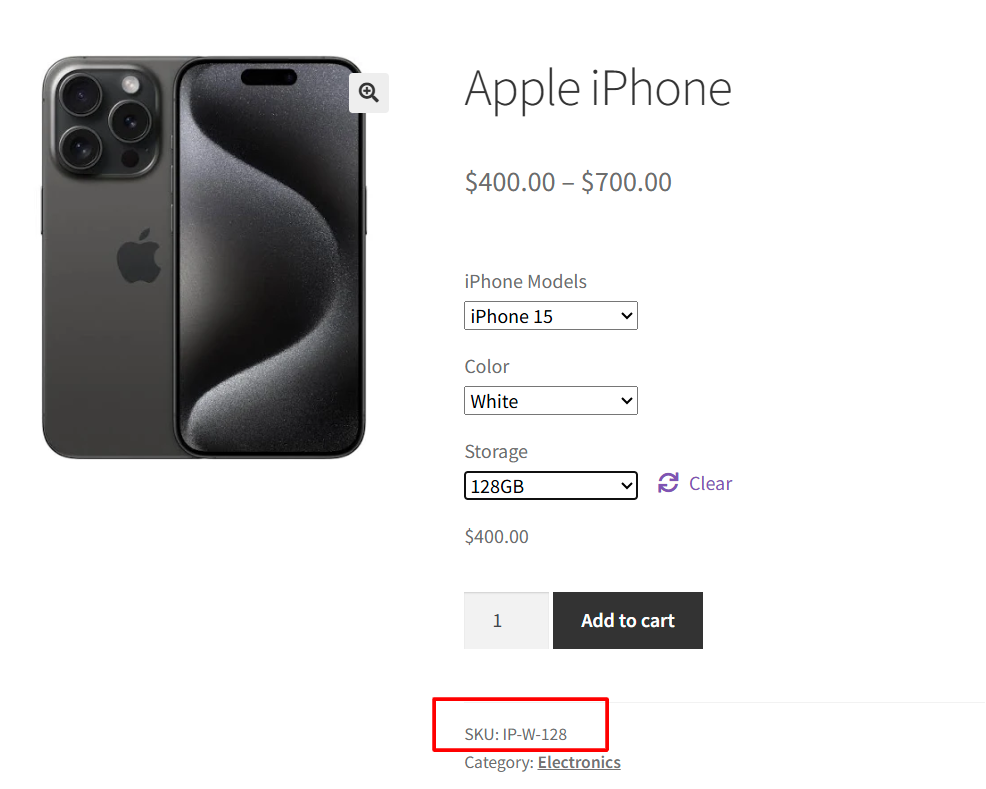
How to Display Selected Product Variation SKU on WooCommerce Product Pages ?
If you run a WooCommerce store, you may often need to display product SKUs dynamically on your WooCommerce product pages. While WooCommerce shows SKUs in


If you run a WooCommerce store, you may often need to display product SKUs dynamically on your WooCommerce product pages. While WooCommerce shows SKUs in
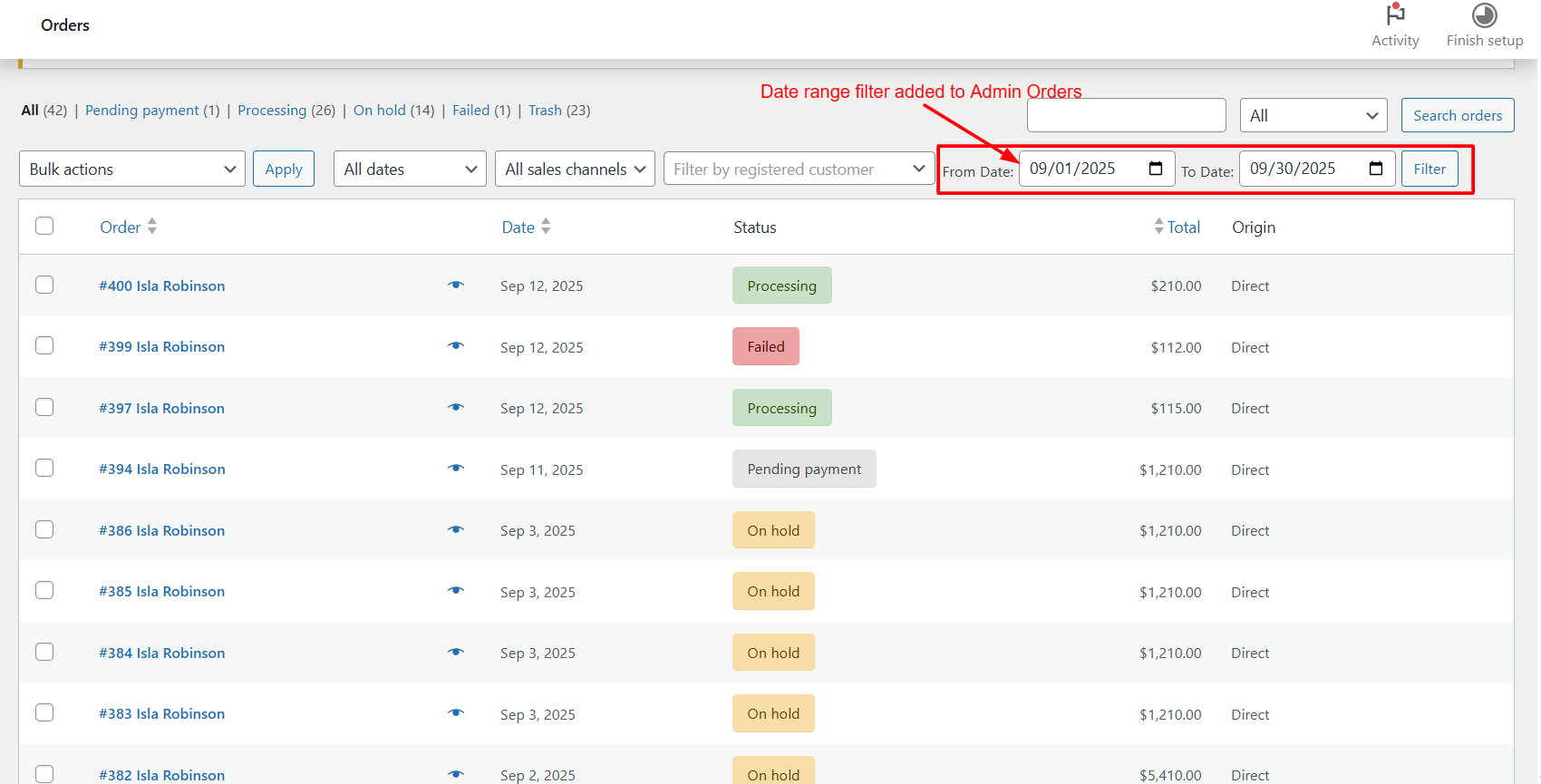
Managing orders in WooCommerce can get messy as your store grows. If you’re using the new High-Performance Order Storage (HPOS) system, the default order list

WooCommerce provides a flexible checkout process, but sometimes stores need extra features to offer more options and services to customers. One such feature is adding
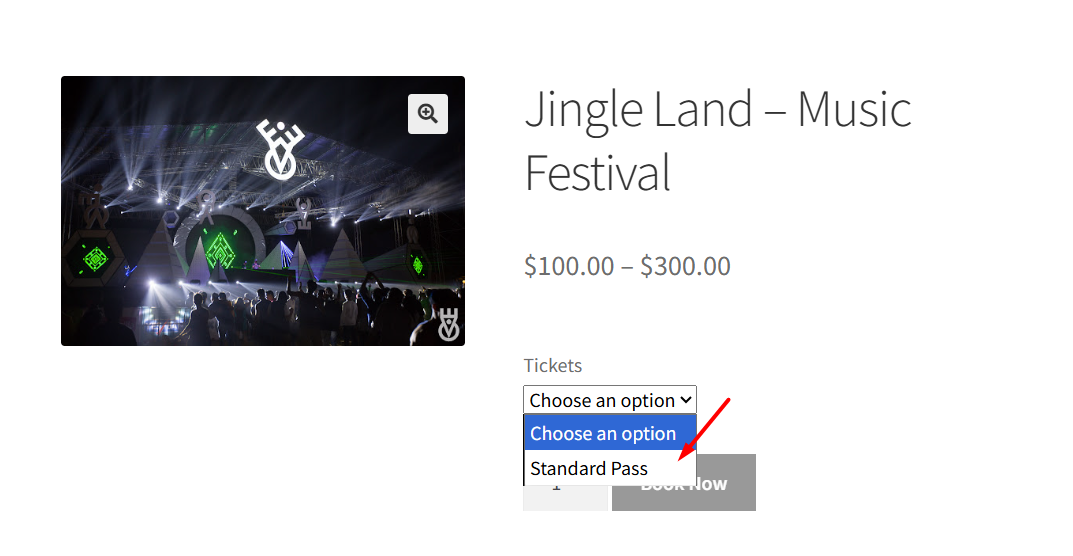
When you run a WooCommerce store, you often juggle different product variations, but not every customer should see every option. Instead, hide WooCommerce Product Variations
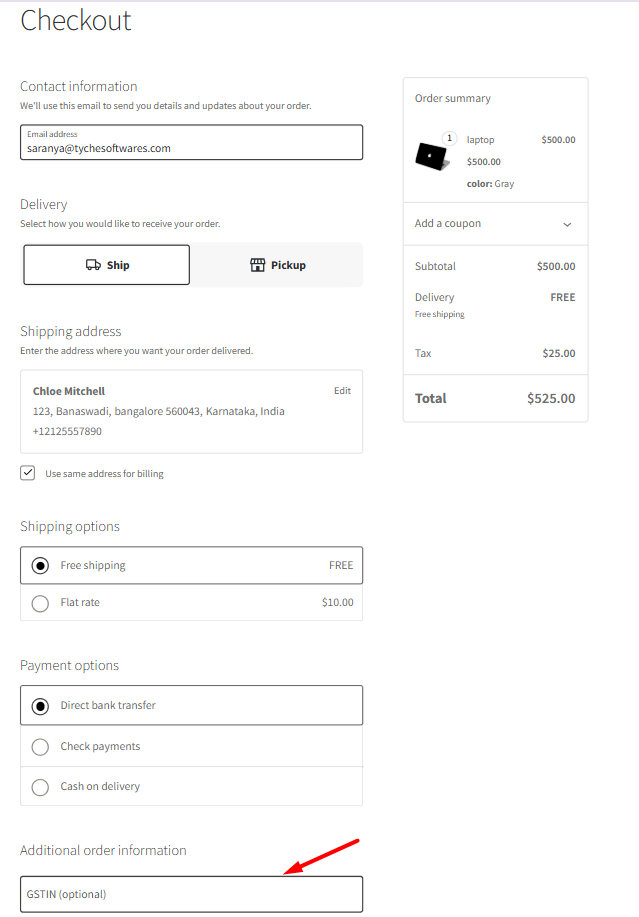
WooCommerce has been shifting much of its checkout experience to Checkout Blocks, a modern React-based interface that replaces the legacy shortcode-based checkout page. This change
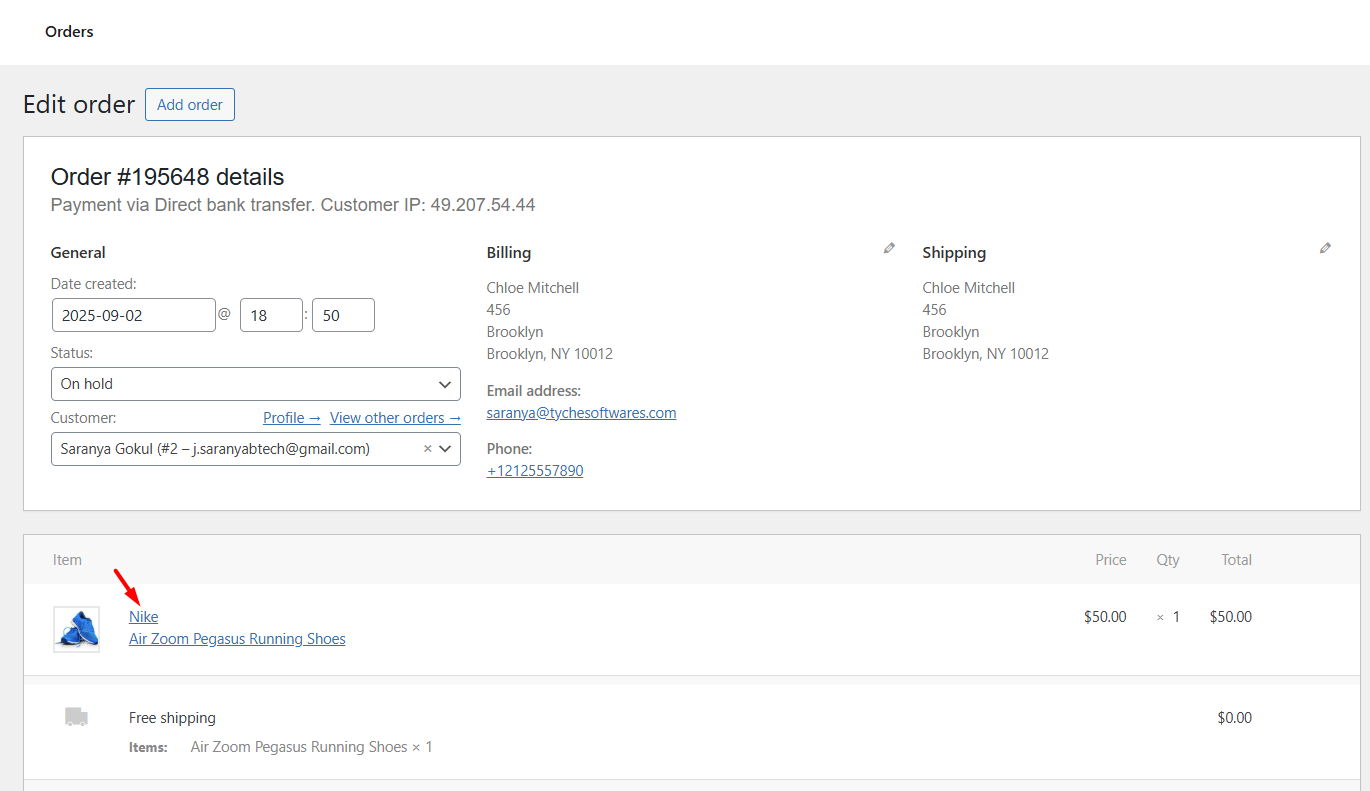
If you run a WooCommerce store that sells multiple brands, showing the product brand name alongside each product is crucial. Shoppers like to double-check the

Ever noticed how frustrating it is for customers to click through a product variation—like size or color—only to find “Out of stock” variations? This happens
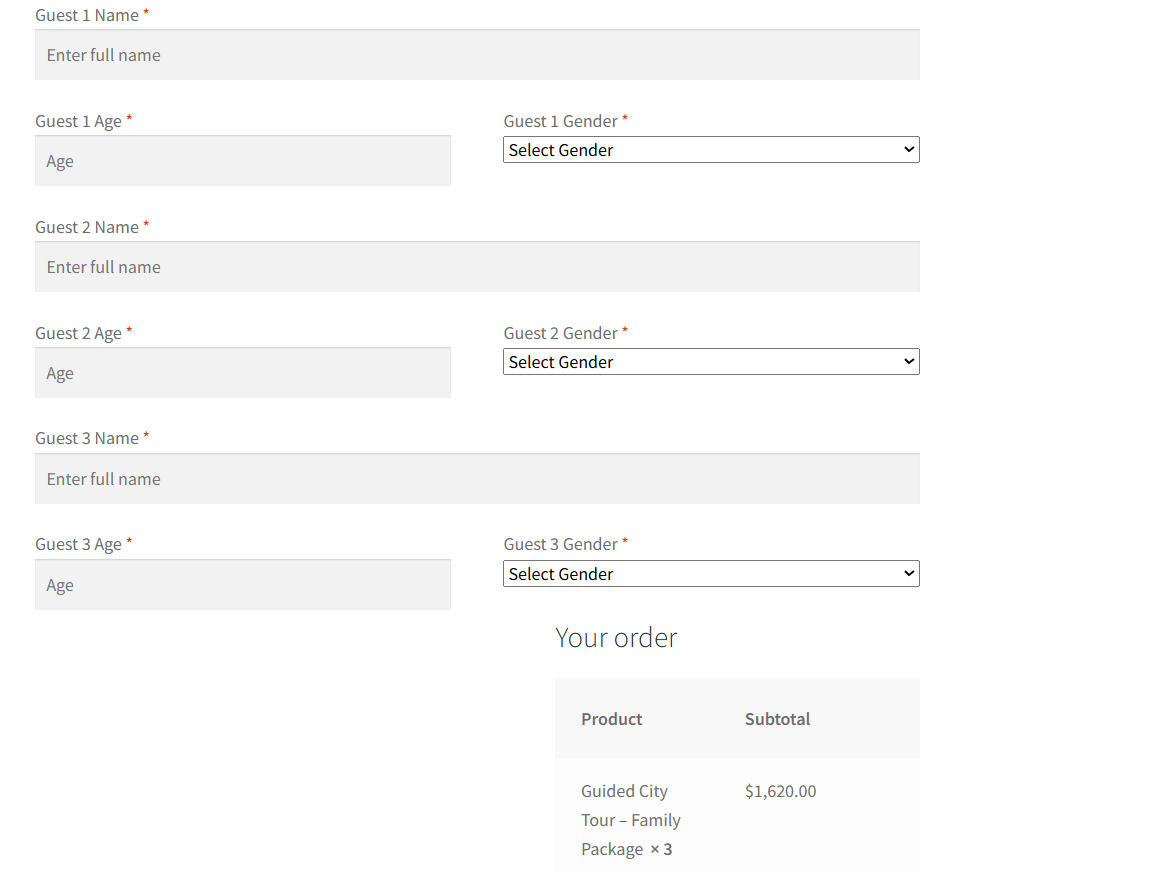
Are you running a WooCommerce store and want to collect extra information from customers at checkout? Maybe you want to gather personalization details, delivery preferences,
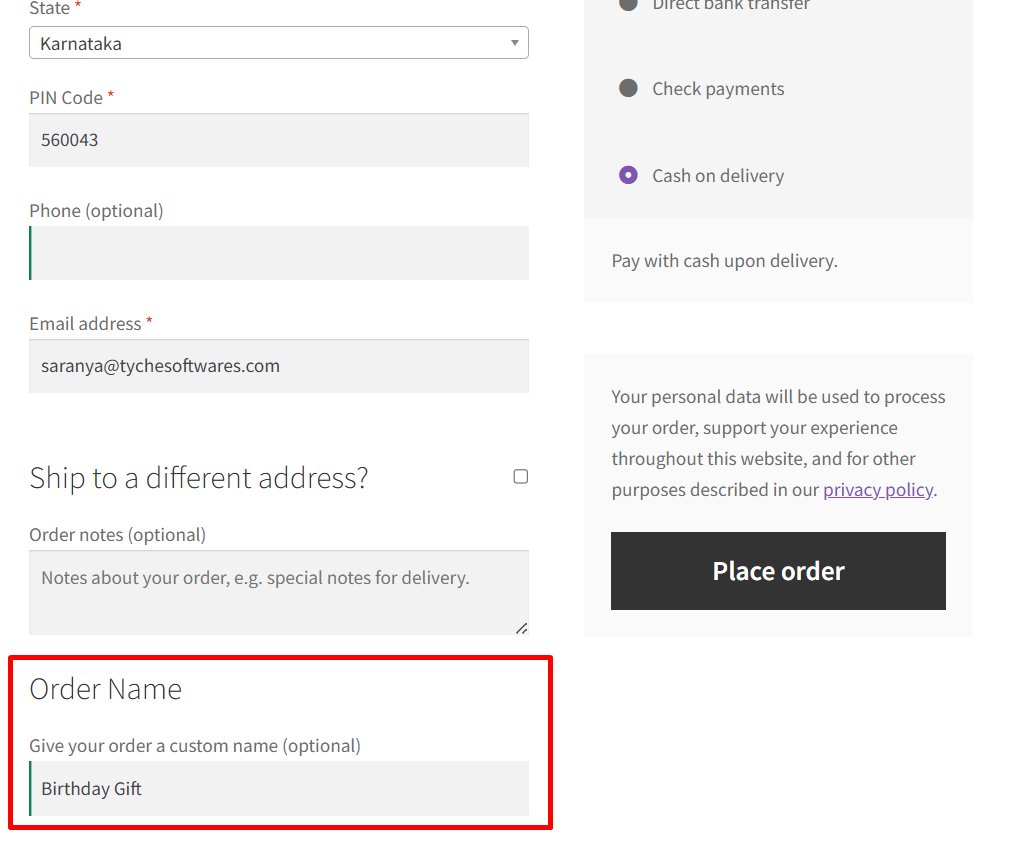
Every customer is unique, and so are their needs. Sometimes, the default checkout fields in WooCommerce just aren’t enough, especially when your store needs additional
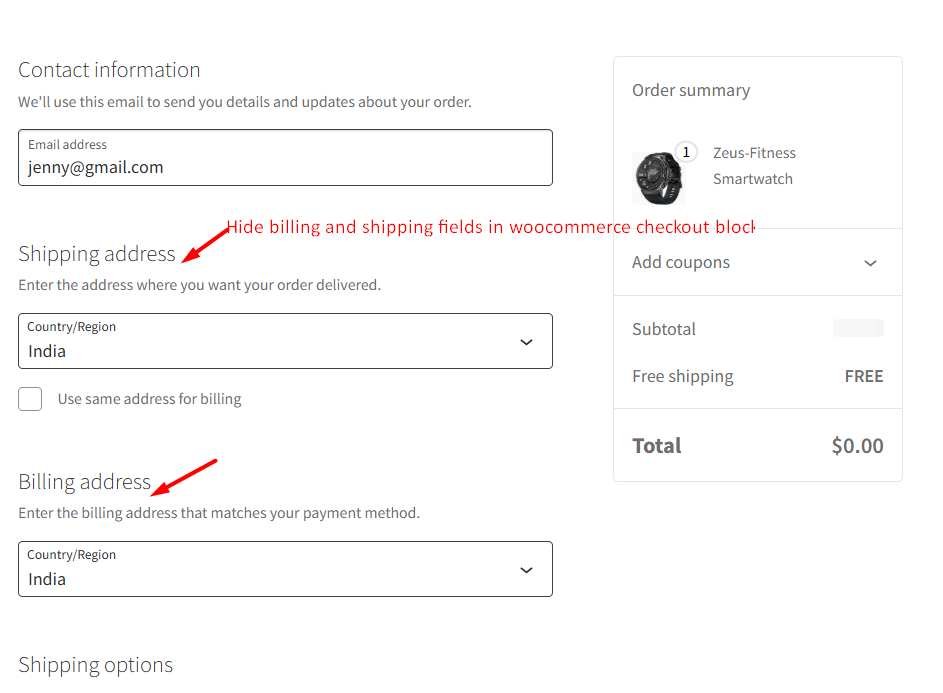
In WooCommerce checkout, the default checkout flow is to collect billing, shipping, and payment details for every order. But for free products like digital downloads