


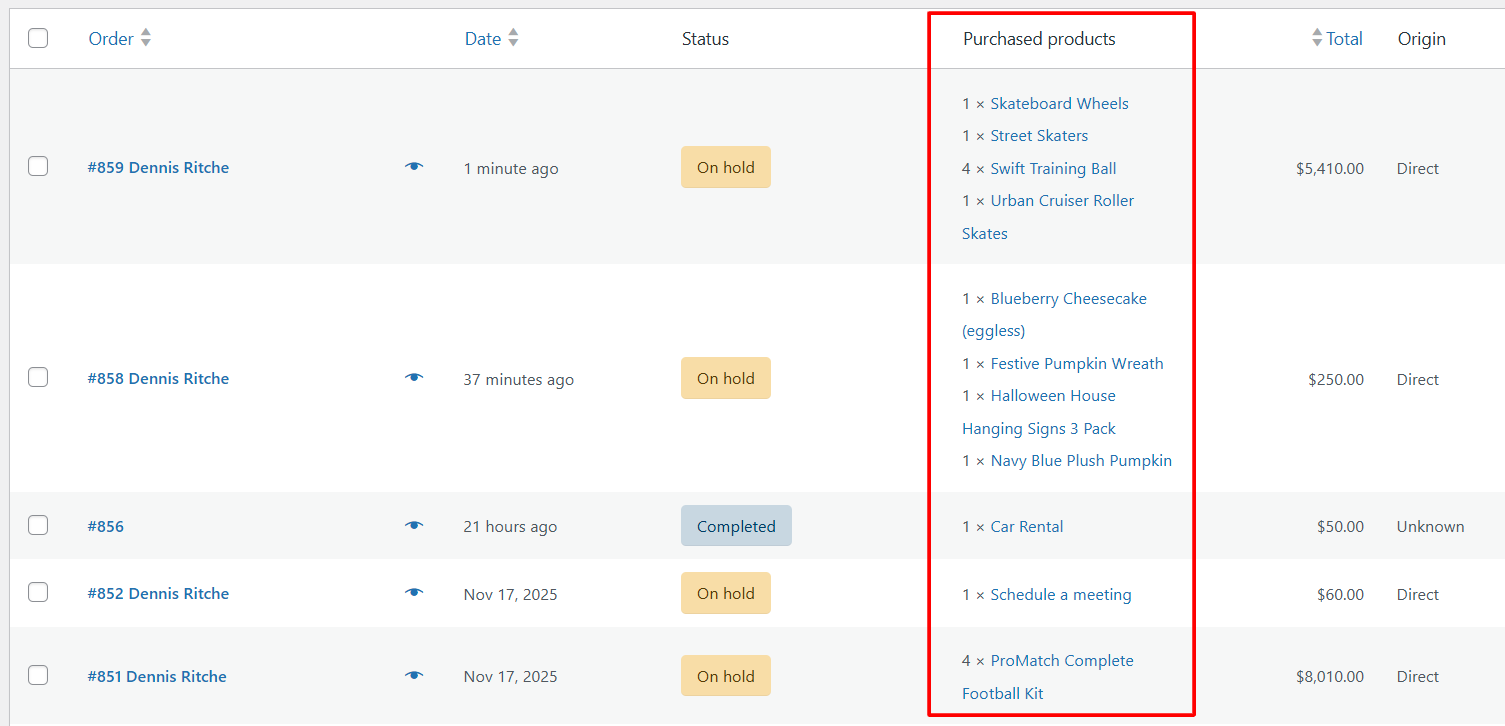
How to Display Purchased Products on WooCommerce Orders Page? (Fully HPOS-Compatible)
When processing orders in WooCommerce, store owners often need a quick way to see what a customer has purchased without opening every single order. By


When processing orders in WooCommerce, store owners often need a quick way to see what a customer has purchased without opening every single order. By
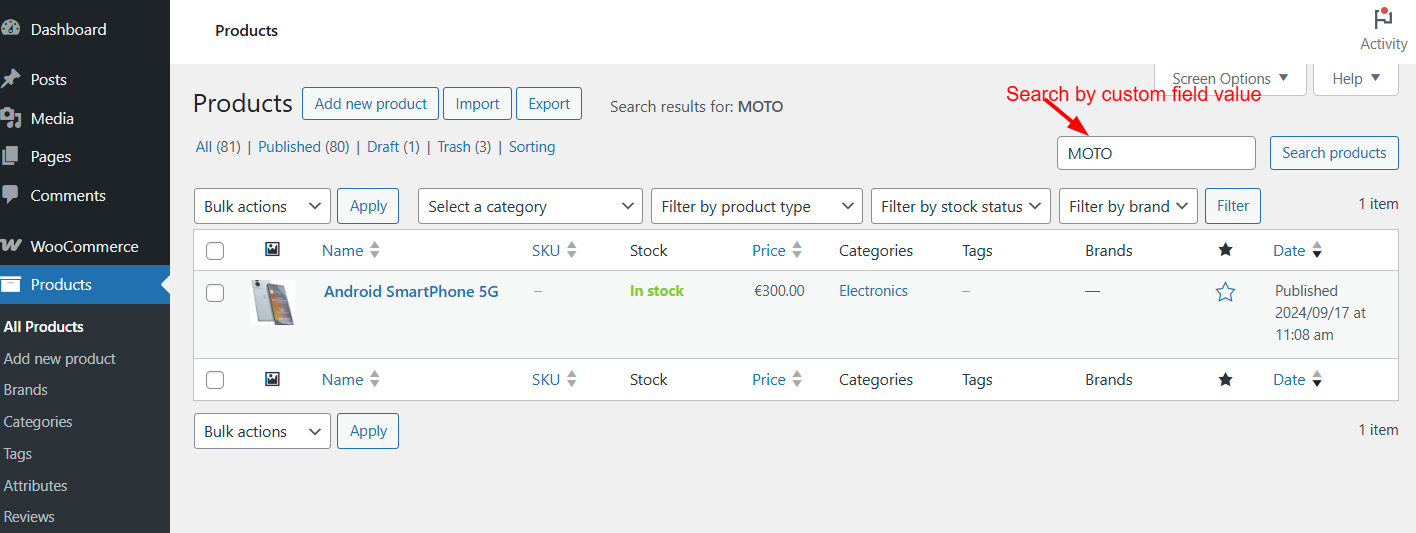
Searching WooCommerce products in the admin area is usually limited to product names and SKUs. But what if you want to search products by a
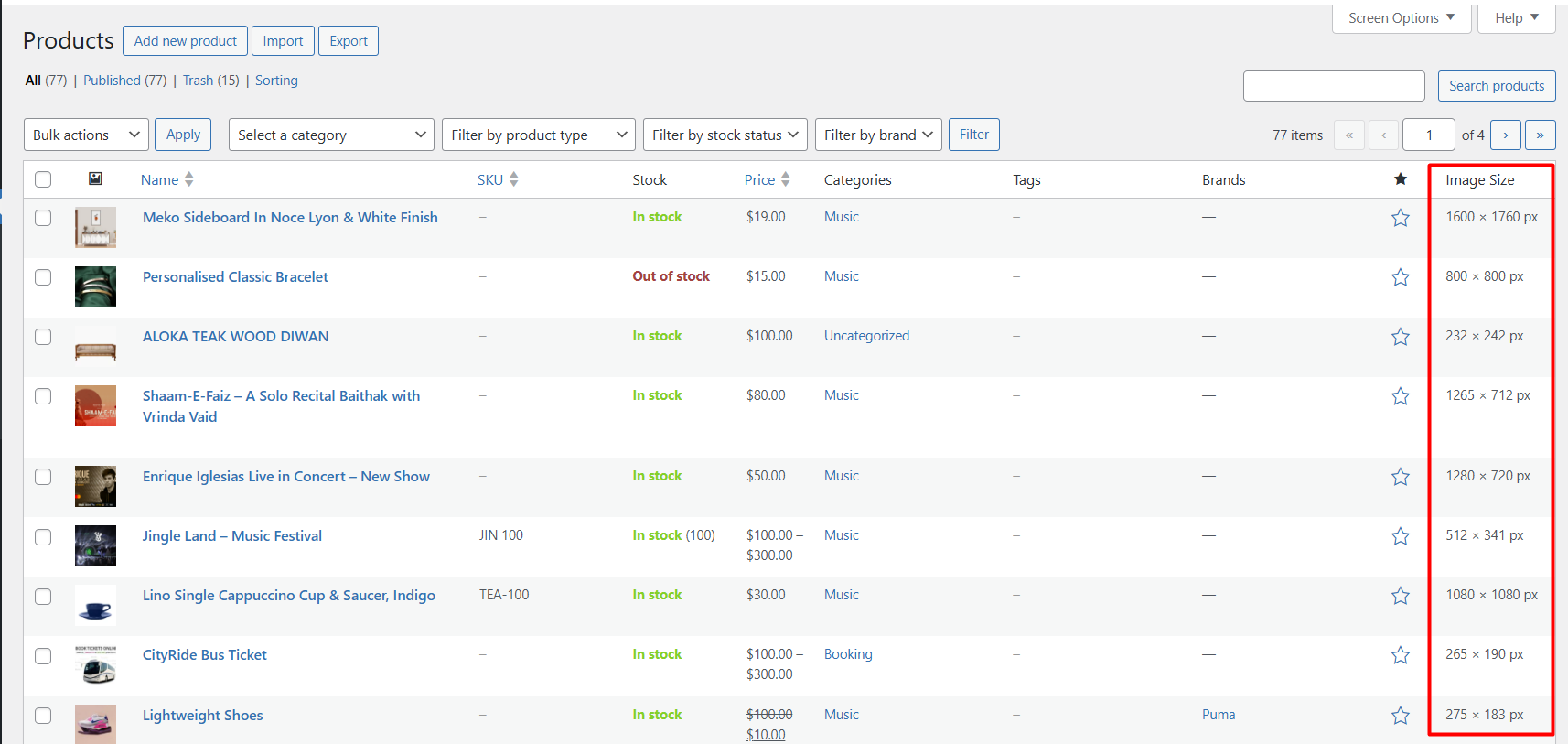
Managing product images can be tricky, especially when you’re uploading dozens of new products at once. Without knowing the exact product image dimensions, you may

As a WooCommerce store owner, one of the trickiest parts of running your business is to show the right delivery times to customers. Delivery dates

In WooCommerce, the default category interface doesn’t include a search box. While this may not be an issue when your product catalog is small, it

By default, WooCommerce supports product quantities only in whole numbers. However, some businesses also need to sell their products in decimal quantities. Let’s say an

Product links are typically added in various communication channels and touchpoints throughout the customer journey. What if you can extend this convenient feature to order

By default, the WooCommerce orders page showcases 7 columns: Order, Date, Status, Billing, Ship to, Total, and Actions. However, you can enhance this setup by integrating additional

All virtual and downloaded products straightway goes to completed status once payment is done. This is the default behavior set by WooCommerce to process digital

If you are looking to distinguish a particular product from your admin orders page then you need to customize the WooCommerce order status whenever this