


How to Remove or Rename the WooCommerce SALE Badge?
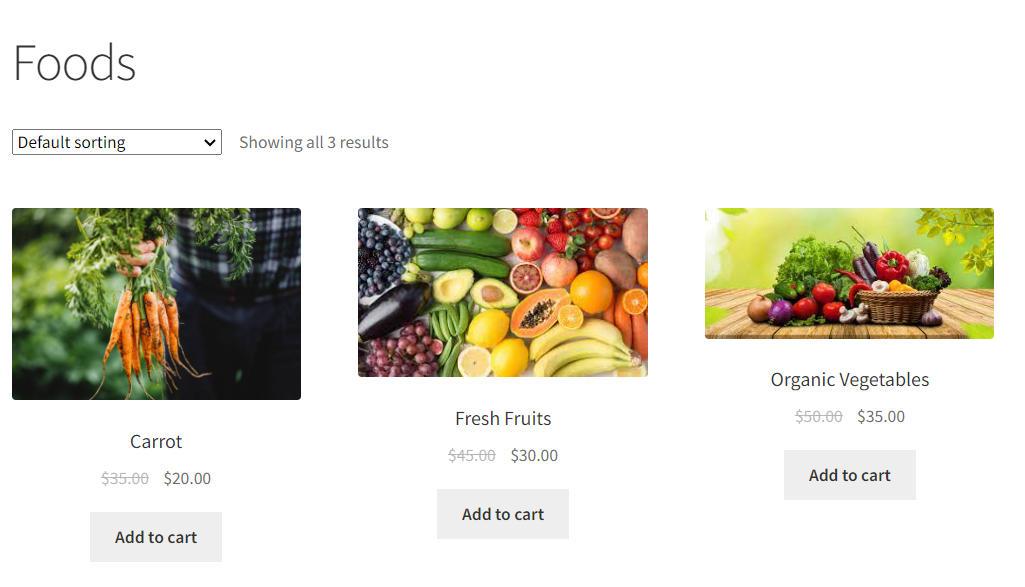
The WooCommerce Sales badge, often displayed as “Sale” or “Discount,” is a visual cue that highlights discounted products on your online store. It also informs


The WooCommerce Sales badge, often displayed as “Sale” or “Discount,” is a visual cue that highlights discounted products on your online store. It also informs

The WooCommerce quantity selector is a helpful field on product and cart pages, allowing customers to adjust the quantity of items they wish to purchase.
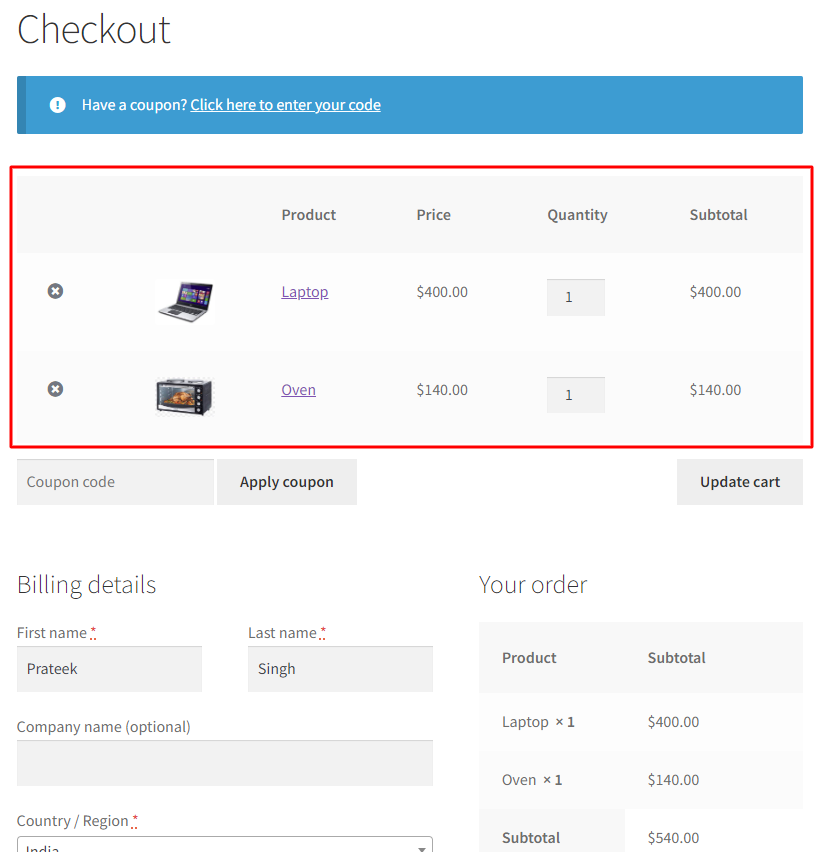
Integrating the WooCommerce cart and checkout pages simplifies the shopping process by consolidating the two vital steps of product selection and order completion. By allowing

WooCommerce occupies little space for the “default sorting” dropdown at the top and bottom of the Shop page. But does it have any impact on

WooCommerce provides three default options to manage the ‘Ship to a different address’ checkbox. Out of the box, you can choose to have it checked,

WooCommerce’s default settings allow you to establish a basic sale price for all products. The sale badge is easily created from the Woocommerce settings for

WooCommerce provides a set of default shipping fields during checkout, but these fields may not always be necessary. For example, some stores may only need

In WooCommerce stores, the primary reason for cart abandonment is a complex checkout process. Most likely, you have considered making the checkout process faster for

The “Ship to a different address” checkbox in WooCommerce allows customers to specify a different shipping address than their billing address. This is a useful

WooCommerce provides a standard set of fields in both billing and shipping forms. As an online store owner, you can choose a cleaner checkout design