


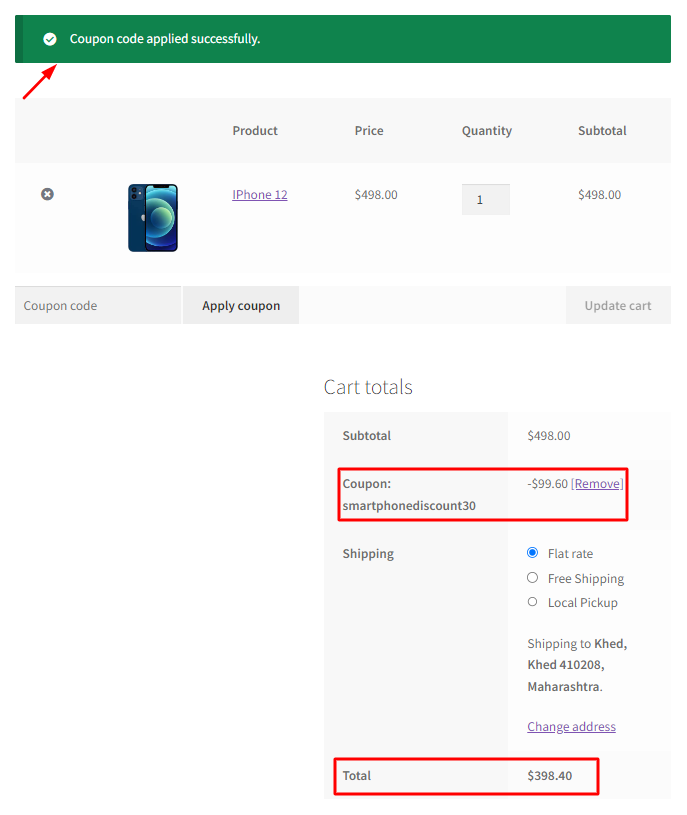
How to Apply Coupon Programmatically in WooCommerce?
Running an online store often involves regularly providing coupons and discounts for special events. While these discounts are a treat for customers, why not make


Running an online store often involves regularly providing coupons and discounts for special events. While these discounts are a treat for customers, why not make

In the vast landscape of e-commerce, where an incredible array of products is just a few clicks away, ensuring a seamless shopping experience has never

As an online store owner, there are a lot of reasons involved in disabling a payment method. But mostly a store owner would restrict WooCommerce

In your online store, if you have set any products for sale, WooCommerce by default, displays the sale badge above the product’s title. But if
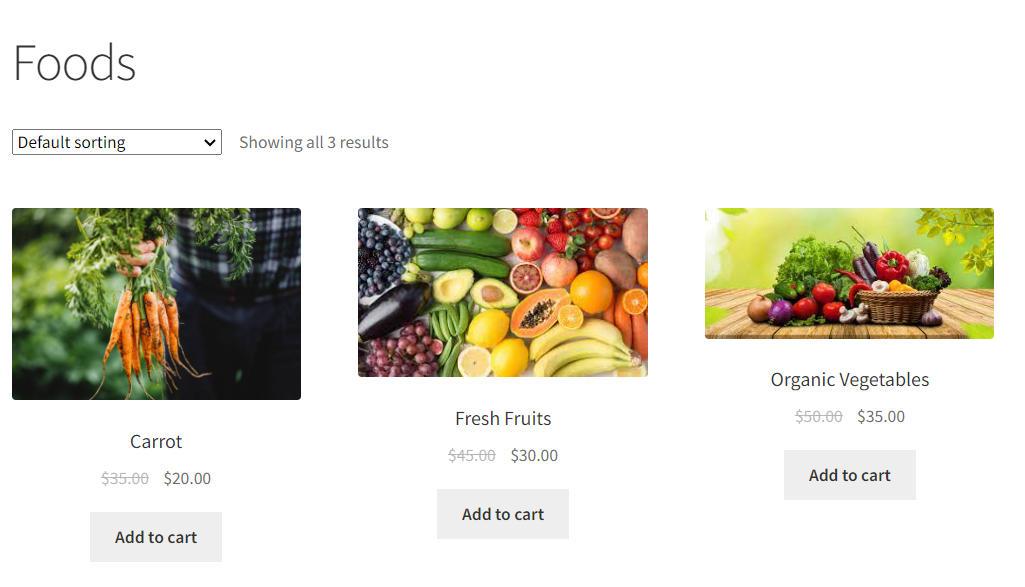
The WooCommerce Sales badge, often displayed as “Sale” or “Discount,” is a visual cue that highlights discounted products on your online store. It also informs

The WooCommerce quantity selector is a helpful field on product and cart pages, allowing customers to adjust the quantity of items they wish to purchase.
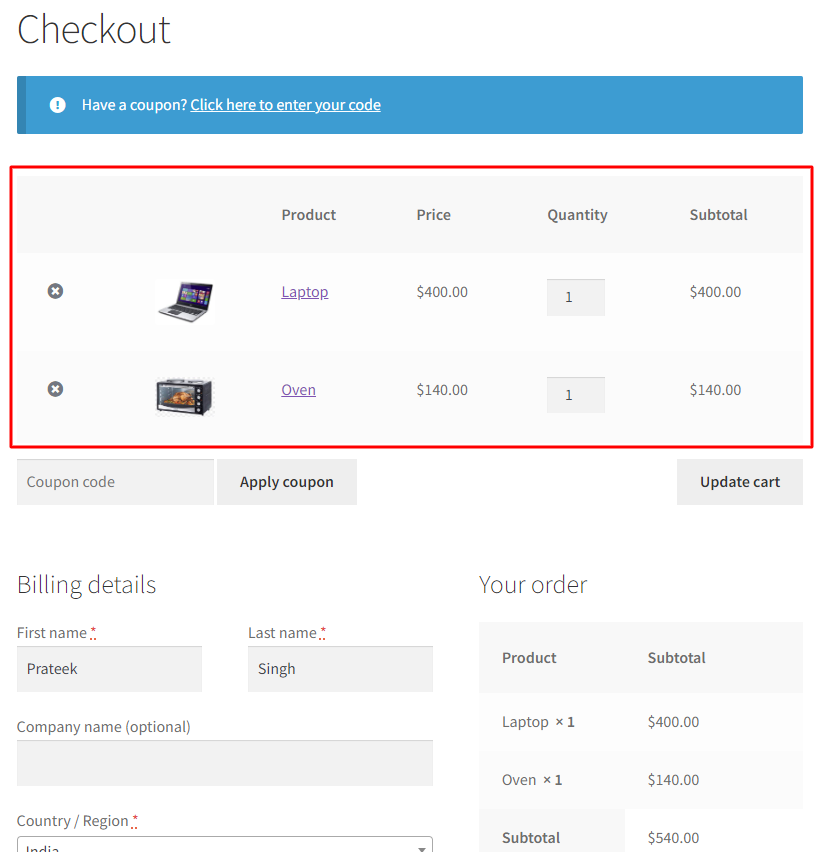
Integrating the WooCommerce cart and checkout pages simplifies the shopping process by consolidating the two vital steps of product selection and order completion. By allowing

WooCommerce occupies little space for the “default sorting” dropdown at the top and bottom of the Shop page. But does it have any impact on

WooCommerce provides three default options to manage the ‘Ship to a different address’ checkbox. Out of the box, you can choose to have it checked,

WooCommerce’s default settings allow you to establish a basic sale price for all products. The sale badge is easily created from the Woocommerce settings for